

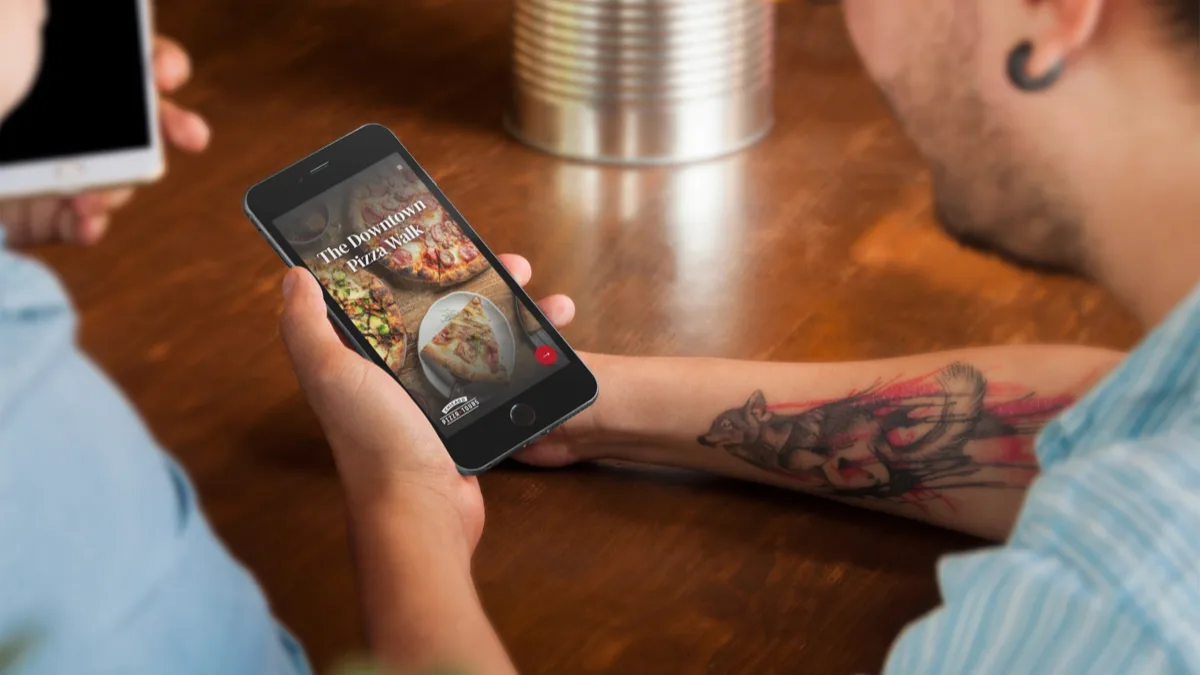
If you run guided experiences, you already know the awkward moment: guests fumbling with printed maps, forgetting what the guide just said, or missing the tipping opportunity entirely because they didn't have cash. A digital guidebook solves all of that from one link on a guest's phone.
A digital guidebook is a mobile-first, browser-based companion that guests access during your experience. It is not a vacation rental manual. It is not an Airbnb check-in guide. It is built specifically for operators who lead food experiences, walking experiences, history experiences, pub crawls, and any other in-person guided group activity. Guests tap a link or scan a QR code, and the entire experience loads in their mobile browser. No app download. No printing. No friction.
The guidebook lives online, which means you can update it in real time. Change a stop, swap a photo, adjust the meeting point, and every guest from that moment forward sees the latest version. You maintain one guidebook per experience, and it works for every guide on your team.
What guests see in a digital guidebook
The guest journey starts with an access page. Before viewing any content, the guest enters their email address and selects whether they are a local or a visitor. That single step captures a qualified contact for your marketing list and segments it automatically.
Next, the guest enters their guide's unique code. The guidebook personalizes itself with that guide's photo, bio, social links, and personal recommendations. This makes the experience feel individual even though you only built the guidebook once.
From there, the guest sees the experience overview: a welcome message from your company, the meeting point, the estimated duration, and any logistics they need to know. Then come the individual stops. Each stop has its own page with photos, a description, directions, and any special notes. Guests can follow along in real time or revisit later.
After the final stop, the guidebook presents a tipping page where the guest can send a gratuity directly to their guide through Venmo, Cash App, or PayPal. Following that, a review prompt encourages the guest to leave a review on your preferred platform. A share prompt invites them to refer friends. And a brief survey collects feedback you can use to improve the experience.
Every page is designed for vertical mobile screens. Guests scroll naturally, tap through stops, and never need to pinch or zoom.
What the operator gets out of it
A digital guidebook is not just a guest-facing tool. It is a business tool that delivers four measurable outcomes.
Email addresses. Every guest who accesses your guidebook provides their email. You know whether they are a local or a visitor, which experience they attended, and which guide led them. That data goes straight to your dashboard, where you can export it to your email marketing platform or CRM at any time.
Tip clicks. When guests see a dedicated tipping page with their guide's name, photo, and a direct link to their preferred payment app, more tips happen. Guides keep 100% of the gratuity. Digital Guidebooks takes nothing from tips.
Review prompts. Instead of hoping guests remember to leave a review days later, the guidebook presents the prompt at the moment of peak engagement, right after the experience ends. One tap takes them to your Google, TripAdvisor, or Yelp listing.
Guest feedback. A built-in survey lets you ask targeted questions while the experience is still fresh. You learn what worked, what didn't, and what guests want more of, without sending a follow-up email that might never get opened.
How guides use a digital guidebook
Each guide on your team receives a unique code. When a guest opens the guidebook and enters the code, the guidebook pulls in that guide's profile: their photo, bio, social links, payment preferences, and personal recommendations.
This means you build one guidebook and it works for your entire roster. If you have five guides leading the same food experience, all five share the same guidebook. The content stays consistent, but the personal touches change based on who is leading that day.
Guides manage their own profiles from a separate dashboard. They upload their photo, write their bio, add their Venmo or Cash App link, and list their favorite local spots. When they update their profile, the changes appear in the guidebook immediately.
How a digital guidebook is different from a PDF or printed handout
Printed materials are static. The moment you hand a guest a laminated card or a folded map, the information on it is frozen. If you change a stop, update a meeting time, or swap out a seasonal menu, you need to reprint.
A PDF is marginally better, but it still lacks interactivity. Guests cannot tap a link to tip their guide. There is no email capture. There are no review prompts. And you have no way to know whether anyone actually opened it.
A digital guidebook updates in real time, captures data at the point of engagement, connects guests to their specific guide, and gives you analytics on how the experience is being used. It replaces the PDF, the printed map, the "remember to leave us a review" speech, and the tip jar, all from one link.
Why a page on your website is not a guidebook
Some operators try to solve this by creating a hidden page on their existing website. They add their stops, upload a few photos, and send guests the link. It seems like a reasonable shortcut, but it creates more problems than it solves.
The biggest risk is search engine visibility. Unless the page is explicitly blocked from Google with a noindex tag or robots.txt rule, it will eventually get crawled and indexed. That means your stop descriptions, meeting point details, and the full experience itinerary become publicly searchable. Competitors can see exactly what you do, where you go, and what you say about each stop. Potential guests can read the entire experience before booking, which undercuts the value of showing up.
Even if you do manage to hide the page from search engines, a website page was not built for this job. There is no email capture at the point of access. There is no guide personalization. There are no tipping links, review prompts, or feedback surveys woven into the flow. The guest reads a static page and closes the tab. You collect nothing.
A digital guidebook is purpose-built for the during-the-experience moment. It captures data, connects guests to their guide, prompts action at the right time, and keeps your itinerary off public search results entirely. The content lives behind an access gate, visible only to guests who have your link and enter their email.
When guests access a digital guidebook
There are three natural moments when a guest interacts with the guidebook.
Before the experience. You include the guidebook link in your booking confirmation email. Guests can preview the meeting point, see the experience overview, and get excited about what is coming. This reduces no-shows and late arrivals.
At the start. Your guide shares a QR code at the meeting point. Guests scan it, enter their email, punch in the guide's code, and they are ready to follow along. This is the primary capture moment for email addresses.
During the experience. Guests follow along on their phone as the experience progresses. They can read about each stop, view photos, and reference details they might have missed. After the final stop, the tipping, review, and survey prompts are right there in the flow.
The guidebook remains accessible after the experience ends, too. Guests can revisit it to remember a restaurant name, share it with a friend, or leave a review they didn't get to in the moment.
Ready to get started?
Plans start at $99 a month, and every one comes with a 60-day money-back guarantee.
View Pricing →